 gantree
Operators — login, profile, settings
The board walk is console.md. This page is the people on the yard: first boot, your face, and who else can touch a crane. What the door actually checks: security.md.
Chat is the pendant. Telegram, Discord, and Slack still work. Nothing here sits in a chat turn.
First boot
Need Node 22. npm start (or compose) on the Docker host.
- Open
http://127.0.0.1:3000— empty yard is/setup(one operator, always admin). - After that,
/login. Name + passphrase. - Sessions live in yard
gantree.db— not a crane’sdata/gantry.db. Compose:var/gantree.db.
There is no setup token. On an open bind, whoever POSTs /setup first
owns the box. Create that person before you leave LAN :80 sitting
there. A second setup is 409 already set up.
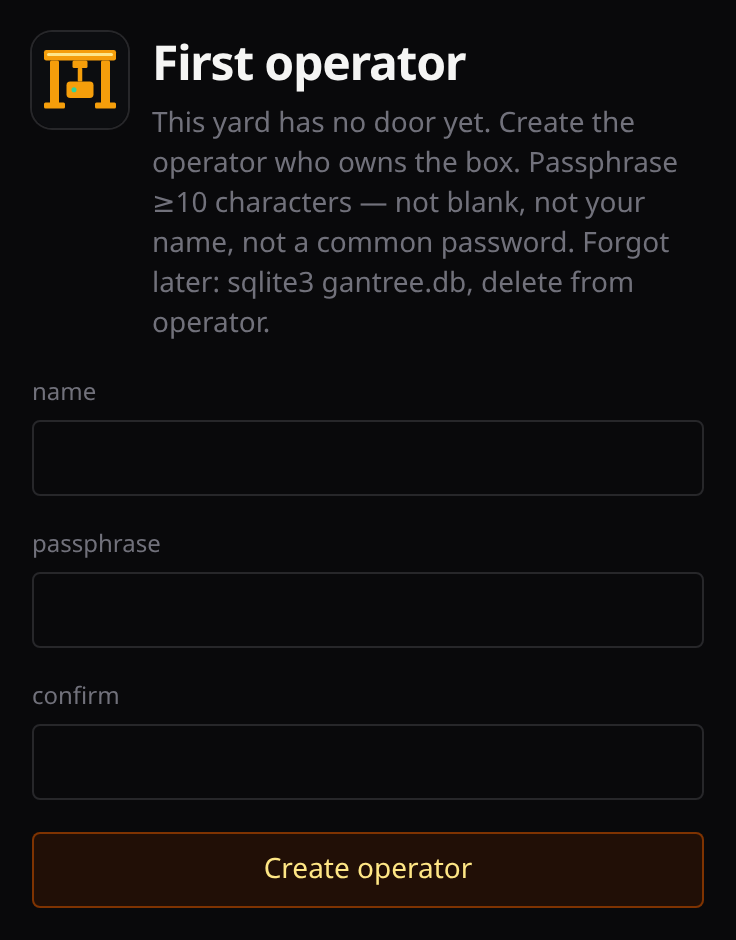
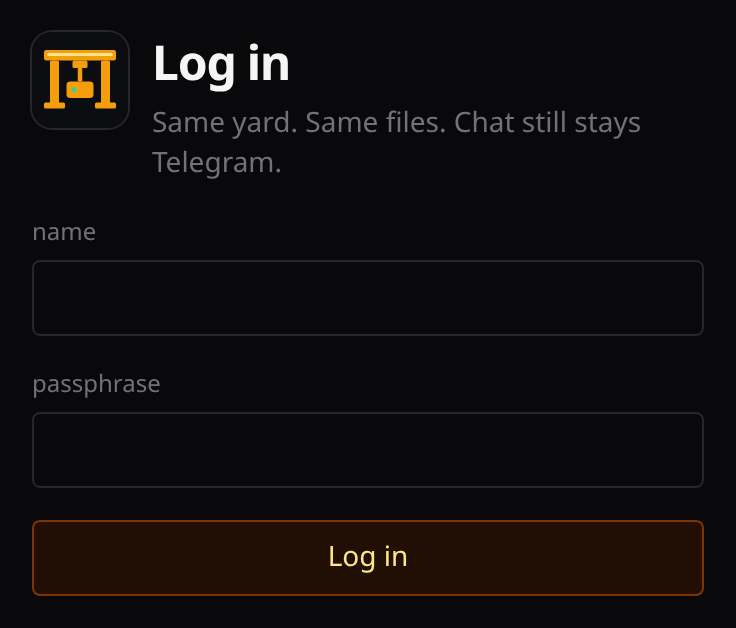
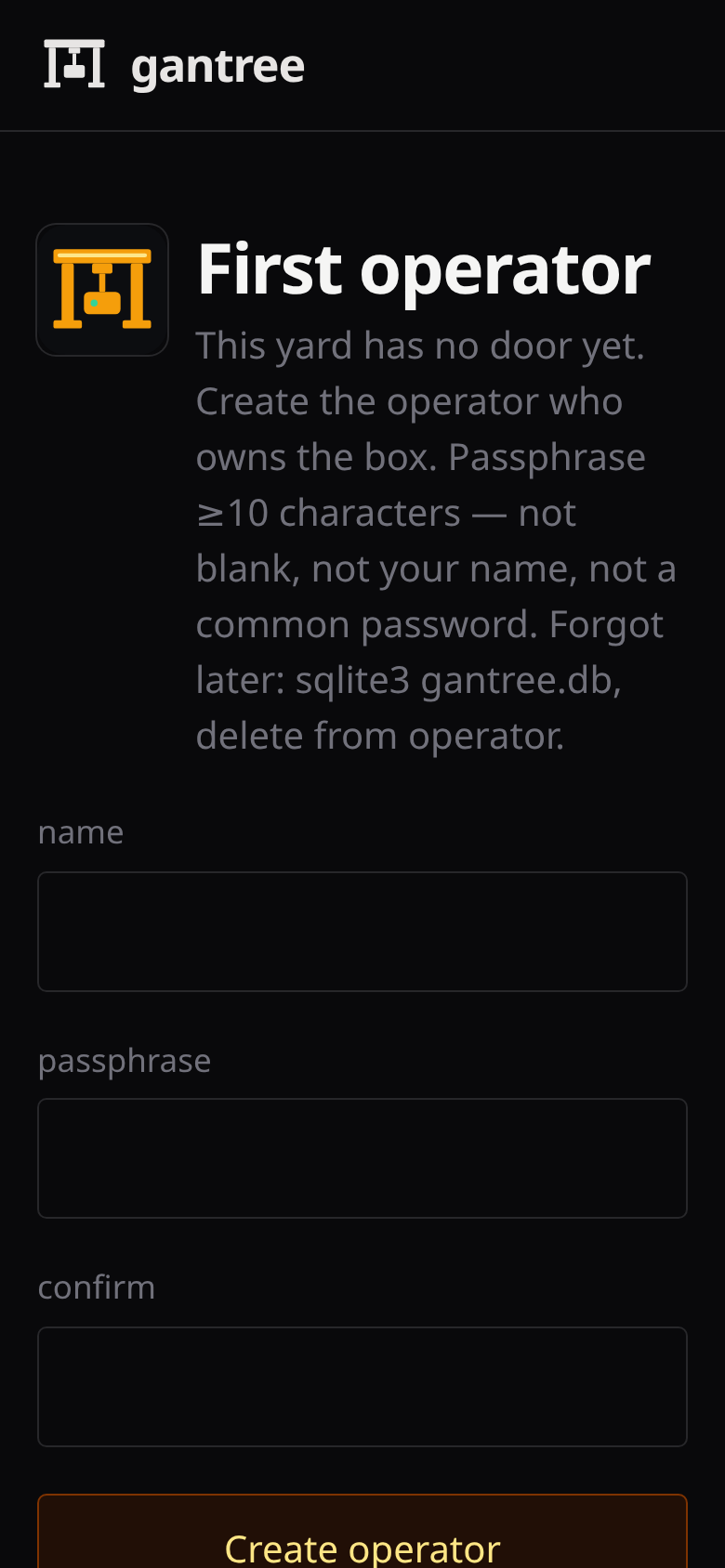
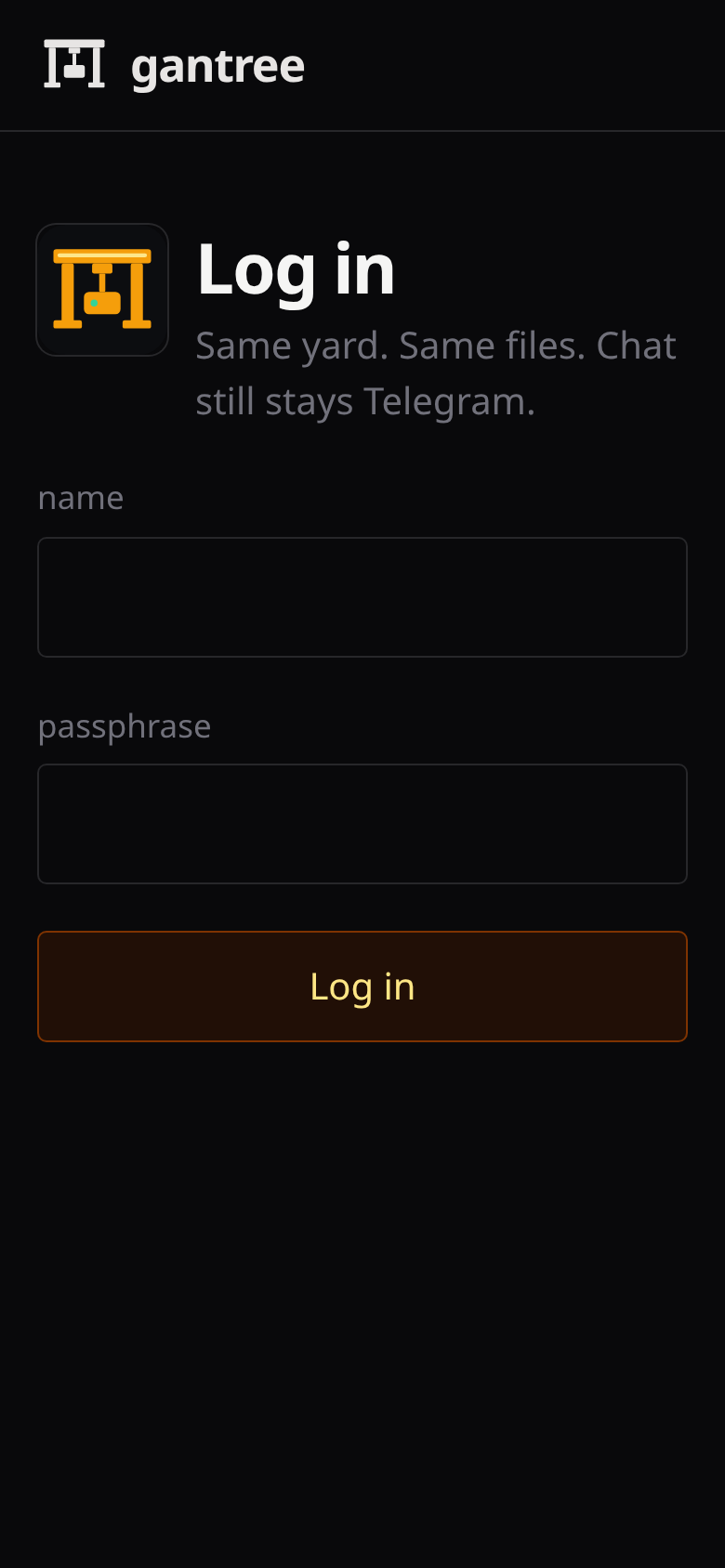
Name is 2–32 letters, digits, . _ -. Passphrase ≥10 characters,
not blank, not your name, not a common password. Failed logins back off
(8 per name / 15 minutes). Full rules:
security.md.
Local screenshots / npm run dev: GANTREE_DEV=1 plus operator +
passphrase in .env (.env.example). Loopback only —
compose HOST=0.0.0.0 ignores the flag. Unset it to photograph /login.
Empty board / no host graphs: npm run seed then GANTREE_SHOT=1
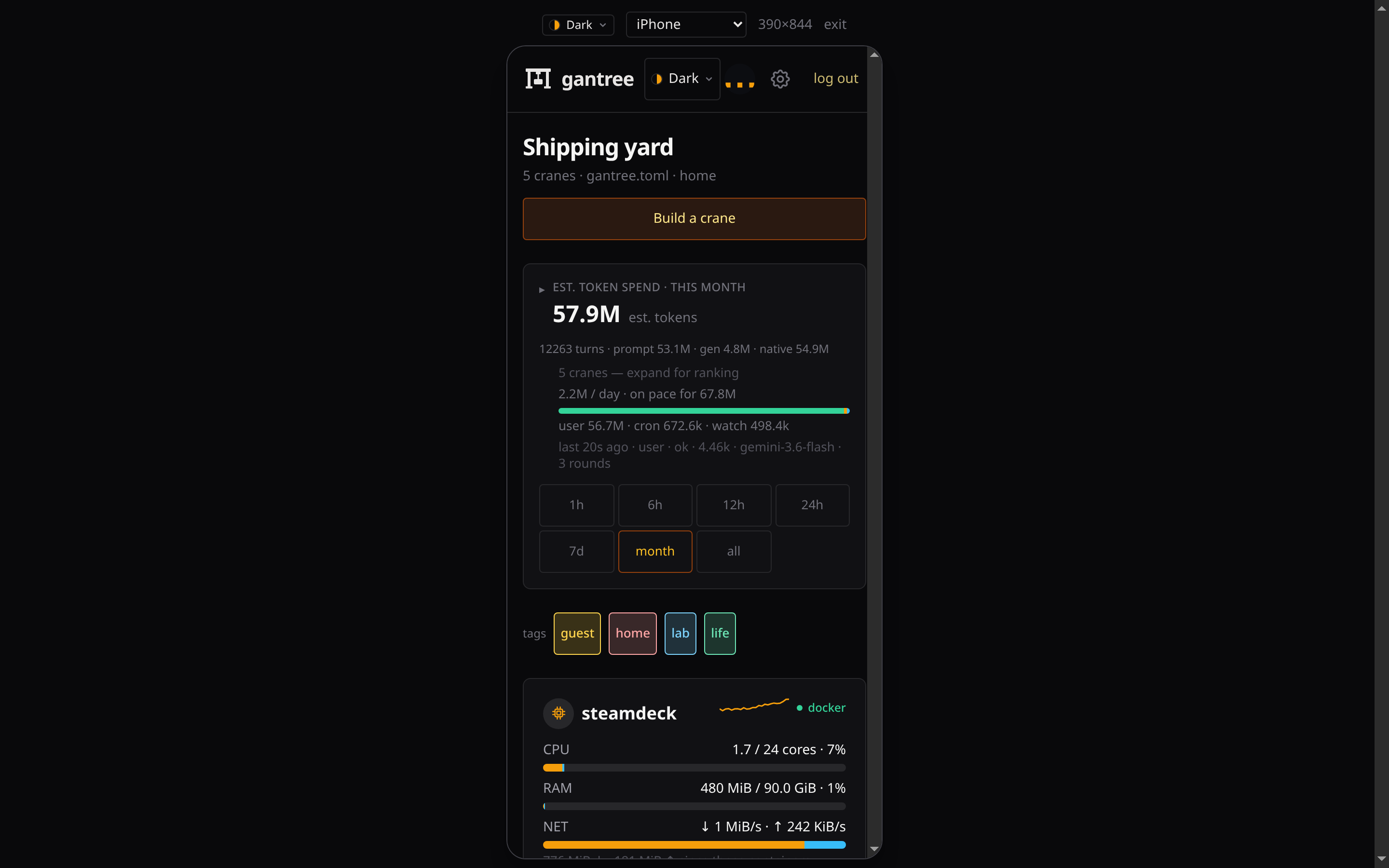
(console.md). On a wide screen,
the phone mark in the header is a 390px preview (?phone=1) — no
DevTools. Recapture: node scripts/shot.mjs.
Profile
Click your name (or photo) in the header. That is /profile. It is
not the cog, and it is not the operator list.
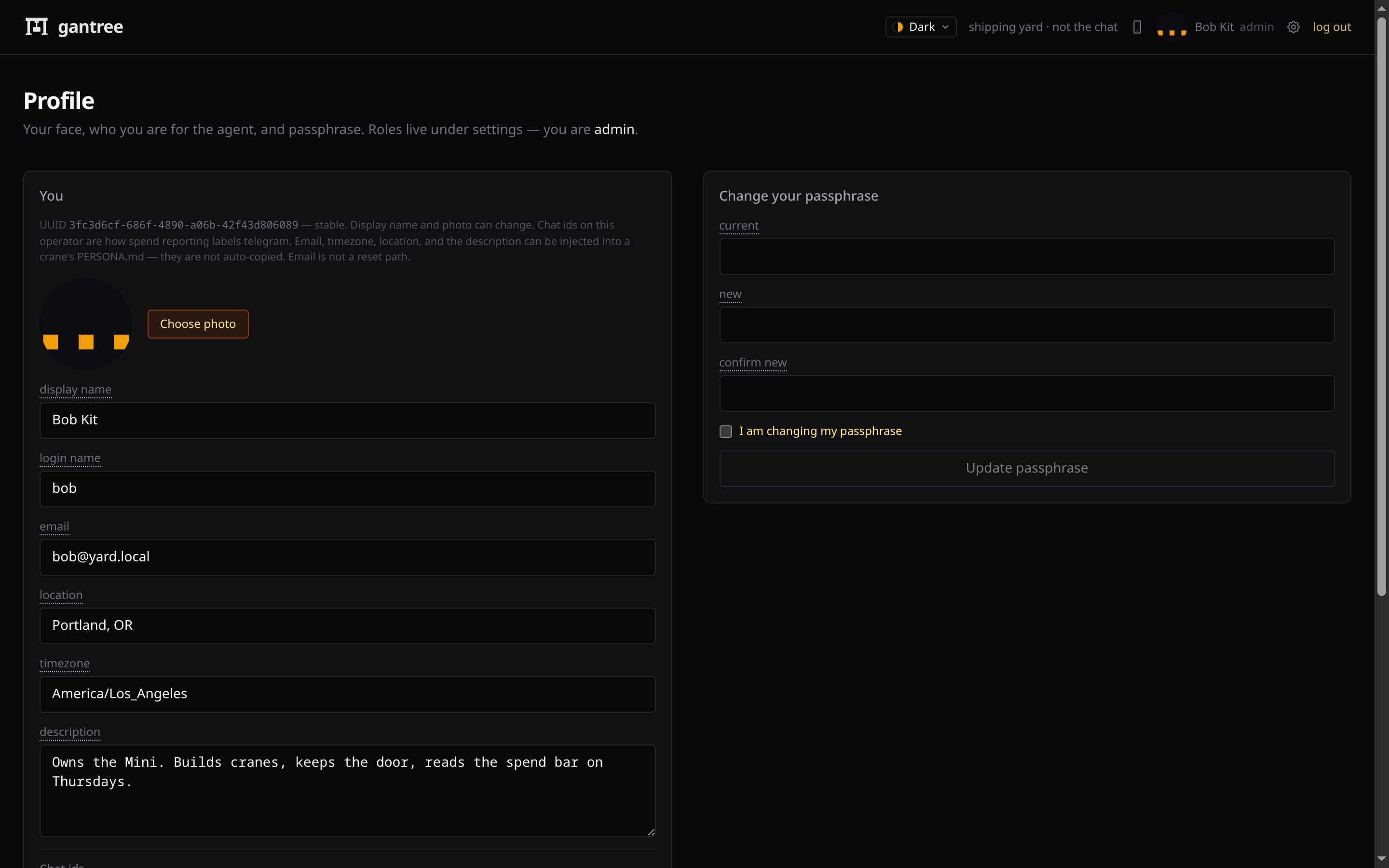
Here you can change:
- photo (JPEG / PNG / WebP / GIF; PNG and WebP convert on upload)
- display name (what the header shows)
- login name (what
/loginasks for) - email (what the pendant matches — leave Google blank; not a reset path, not a mailbox)
- location, timezone (IANA), languages (free text, your first choice first,
in your own script —
日本語, English) - description
- chat ids (Telegram numeric, Slack
U…, Discord snowflake, Googlesub) — stored on you. Googlesubis optional: after they talk, spend offers to store the digits. Telegram ids stay on the profile until a crane panel saves its allowlist. Assigning a user on a crane writes that person's email (and Google sub, if set) into the pendant allowlist and tags their login name on the board. How they line up with the pendant’s Google sign-in: access.md - passphrase (current + new + confirm, plus the confirm-scary checkbox)
Those fields are what Inject user on a crane copies into PERSONA.md
About you (name, email, timezone, location, languages, notes, chat ids).
The crane's assigned user is the one that dialog opens on.
A blank field leaves the seed's bullet alone — an operator with no languages
set keeps the template's English, so speakers of anything else should fill
it in before injecting. The file starts from the ai-gantry seed
(lib/yard/crane/templates/PERSONA.example.md). Identity — the agent’s
name — is not overwritten. Save on the crane still writes the file.
The row is a UUID. Renaming bob does not mint a new person. You cannot promote yourself from this page — role lives under Settings.
Settings
The cog in the header is /settings. (/operators redirects here.)
Everyone can read the three roles. Only admin can add, change access,
or remove.
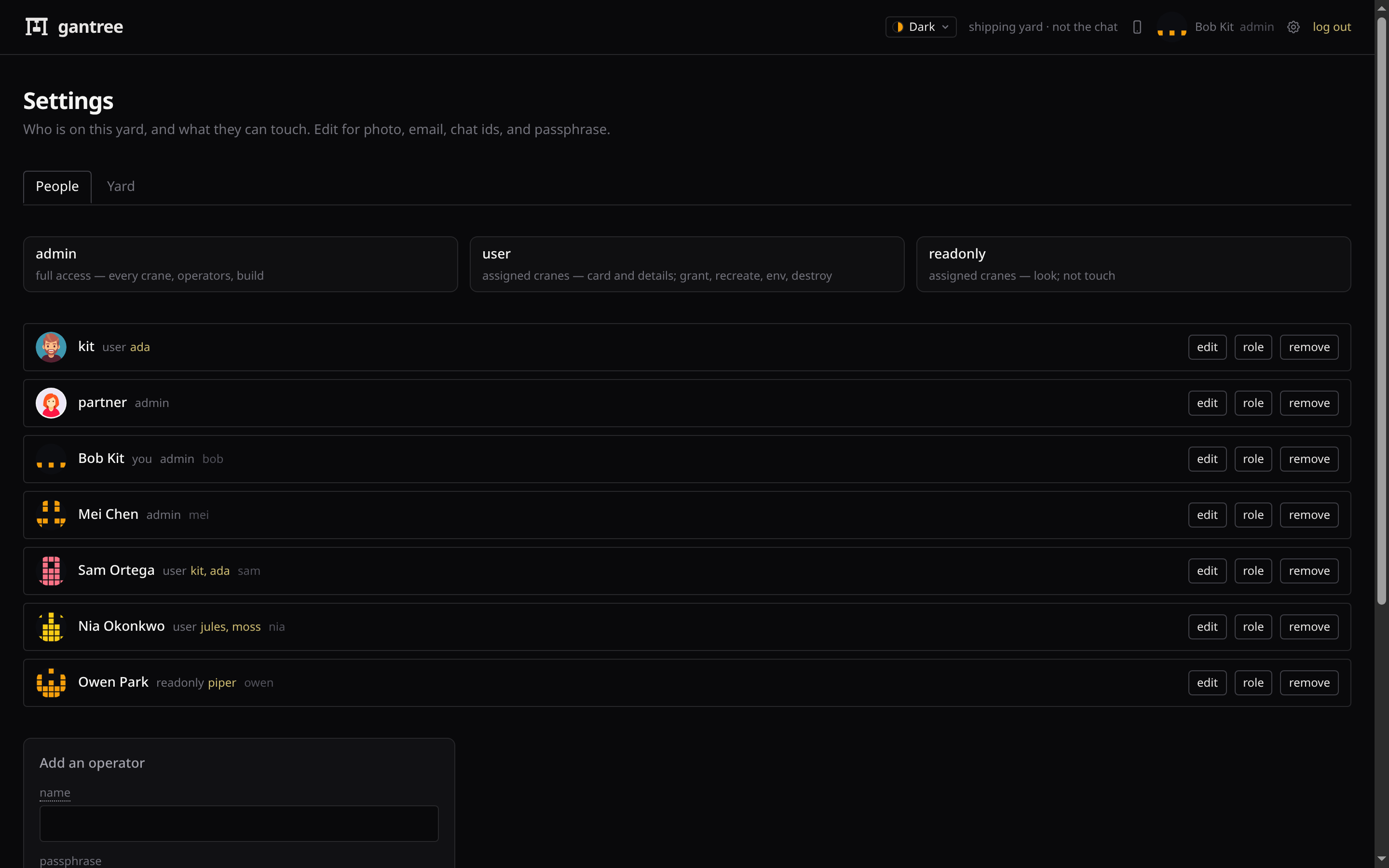
| Role | Access |
|---|---|
| admin | Every crane. Operators. Build. |
| user | Assigned cranes (card, details, grant, recreate, env). Not operators, not other cranes. |
| readonly | Assigned cranes — look (card, logs, doctor). Not touch. Not other cranes. |
Setup always creates an admin. user and readonly need at least
one crane — without any they see an empty board. Tick more than one
when a person covers two bots. Only admin sees every crane.
Admin sees logins and logouts on the yard events strip; other roles
do not.
Do not share an admin login the way you would share a read-only
dashboard. A partner who only pastes keys is user on their crane(s).
Compose: they hit LAN :80 or the hostname file you chose, not a published
gantree :3000.
Add / remove / change access are confirm-scary (checkbox), like a token push. You cannot delete the last operator, or the last admin, or demote the last admin.
Admin also gets a Yard fold: retain, timezone, default image pin,
rates, and a GitHub PAT for tools-fetch (download_tag=latest).
The PAT lives in yard sqlite, not gantree.toml, and is not copied into
each crane .env. Compose GITHUB_TOKEN still works if you prefer env.
Admin also gets a Pendant fold: Cloudflare API token, account, Worker name, origin, and the Google Web client. Save and push puts those on the Worker (no wrangler). Build a crane from there — channel defaults to pendant; the yard mints the bearer. manage_pendant_cf_todo.md. Move an existing Telegram crane: channel_migration_doc.md.
API token: Account Workers Scripts Edit (secrets). CI also needs Workers KV Storage Edit. Create token (pre-filled). Details: access.md.
GCP client (not this UI): Web application. JavaScript origin =
pendant origin. Redirect =
<origin>/api/auth/callback/google. Scopes openid email profile
only. Full table: access.md.
Stuck?
| Symptom | What to do |
|---|---|
| Forgot the passphrase | Stop, delete yard sqlite (gantree.db, compose: var/gantree.db), start, run /setup again. No email reset. |
too many attempts, try later |
Wait out the 15-minute window. 8 fails on one name, or 40 across all names, lock that window. |
opening the door… and it never opens |
Cookie missing or dead. Hard-refresh /login. If the process bounced mid-login, sign in again. |
| Cog does nothing useful / no add form | You are user or readonly. An admin assigns roles. Photo and passphrase are still on Profile. |
| Logged in as user or readonly, board is empty | No crane on that row. Admin: Settings → role → tick the crane(s). |
| Cannot remove kit / cannot demote bob | Last operator, or last admin. Add another admin first. |
/login never appears in npm run dev |
GANTREE_DEV is on and loopback. Unset it to photograph or test the door. |
| Name exists, passphrase rejected at auto-login | GANTREE_DEV_PASSPHRASE must match the hash already in sqlite — or pick a new operator name. |
Bind (loopback vs LAN vs tunnel): install.md · headless.md. Hardening: security.md. Cloudflare protections: protections.md.